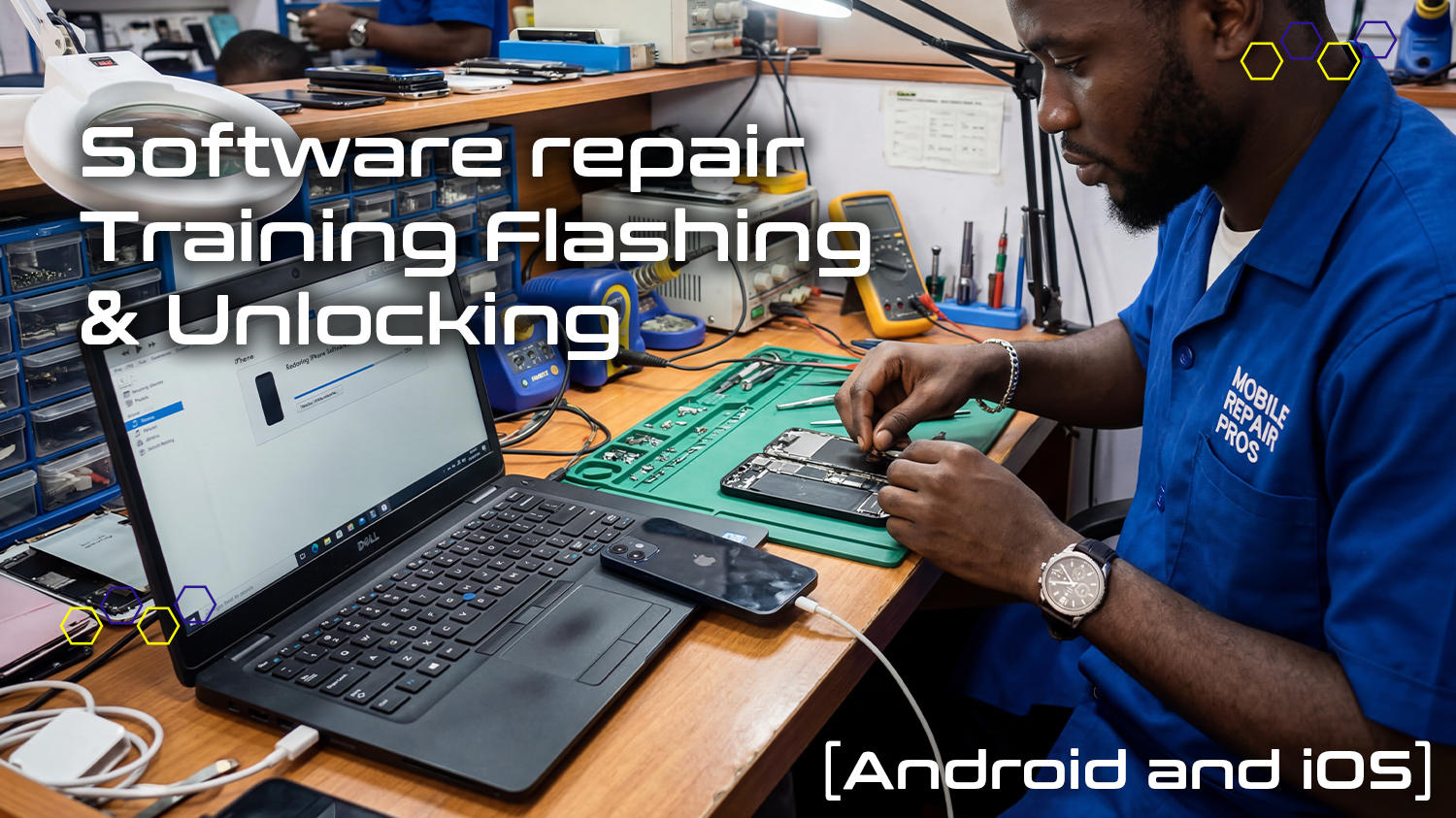
BS110 — Software Repair — Flashing and Unlocking (Android and iOS) Training Course
About Course
About the Course
Software faults are the most common technical issues reported across all smartphone brands — and the ability to professionally diagnose and repair them is one of the most commercially valuable skills a mobile repair technician can develop. The Software Repair Training — Flashing & Unlocking Android and iOS (BS110) is a comprehensive two-day course covering the full spectrum of mobile device software repair across both major platform ecosystems: Android and iOS. From firmware downloads and professional flashing procedures to FRP (Factory Reset Protection) removal, recovery mode navigation, network unlocking, and Apple Activation Lock management — this course gives you the tools, techniques, and confidence to handle software repairs that many technicians avoid or outsource. Software repairs are fast, highly repeatable, and command strong pricing with minimal part costs — making this one of the highest-margin repair services available in Africa-wide & Globally mobile repair market.
What You Will Learn
- Understand the difference between mobile device software, firmware, and operating system
- Distinguish between flashing, unlocking, FRP removal, rooting, and factory reset in both Android and iOS contexts
- Identify and correctly use all major professional flashing tools, boxes, and dongles for Android and iOS
- Download the correct firmware for any Android or iOS device from verified official sources
- Flash Android smartphones and tablets using the appropriate tool for each brand and model
- Flash iPhone and iPad devices using professional standalone flashing tools and iTunes/Finder
- Remove FRP (Google Account / Factory Reset Protection) locks from Android devices professionally
- Boot Android phones into Recovery Mode and Download Mode for flashing and repair procedures
- Boot iPhones into Recovery Mode and DFU Mode for iOS firmware installation and repair
- Unlock Android device pattern and PIN locks without data loss where technically possible
- Understand Apple iPhone Activation Lock, Bypass procedures, Apple ID, and iCloud account management
Course Highlights
- The only Microlek course covering both Android AND iOS software repair in a single programme
- Students use the same professional flashing tools deployed in commercial repair workshops
- Covers all major Android brands: Samsung, Huawei, Xiaomi, Oppo, Tecno, Infinix, and more
- Includes FRP and Activation Lock procedures within legal repair compliance guidelines
- Directly applicable to the most common and most profitable software repair requests in Africa-wide & Globally
- Ideal complement to any existing hardware repair training for a complete device service capability
Requirements
- No prior software repair experience required — but some familiarity with smartphones is helpful
- Basic computer literacy recommended (Windows PC operation for flashing tools)
- Reliable internet access for firmware downloads and flashing tool installation
- Ability to read and understand English
- Both days of in-person practical training are compulsory
Who Is This Course For
- Mobile phone repair technicians who handle hardware repairs but want to add software repair capability
- Entrepreneurs launching a repair business who want to offer the high-demand Android and iOS software repair service
- Repair shop owners wanting staff trained in professional multi-brand software repair procedures
- Individuals who want to earn income from the fastest, highest-margin segment of mobile repair — software faults
- Anyone who has completed a hardware repair course and is ready to build their software repair capability
- TVET graduates with electronics qualifications seeking practical, market-relevant software repair skills
Career Outcomes & Opportunities
- Offer professional Android and iOS software repair services: flashing, FRP removal, unlocking, and recovery
- Handle the most common software faults across all major smartphone brands in a single professional service
- Add a high-margin, low-cost service to an existing hardware repair operation
- Develop transferable software repair skills applicable to any new Android or iOS device entering the market
- Combine with any hardware repair course for a complete, end-to-end mobile device repair service
Benefits Obtained
- Take-home training manual covering Android and iOS software repair procedures
- Training evaluation assessments throughout
- Microlek Certificate of Completion in Software Repair — Flashing & Unlocking
- Professional flashing tool recommendations and purchasing guidance
- Post-training support from the Microlek facilitator team
Student Ratings & Reviews